

Paisa X Go register is free and takes about two minutes. All you need is an active Pakistani mobile number to receive an OTP. Once your account is ready, you can claim the sign-up bonus, add balance and play every game in the lobby.
Haven't installed the app yet? Get it first from our Paisa X Go APK download page. Already have an account? Go to the Paisa X Go login guide.
| Registration Detail | Information |
|---|---|
| Cost | Free |
| Required | Pakistani mobile number + password |
| Verification | SMS OTP |
| Time needed | About 2 minutes |
| Age limit | 18+ only |
| Bonus | Sign-up bonus when a promotion is running |
What You Need for Paisa X Go Registration
- An active Pakistani mobile number (Jazz, Zong, Telenor or Ufone) that can receive SMS.
- The Paisa X Go app installed, or the official link open in your browser.
- A strong password you will remember.
- An invite code (optional) if a friend or agent shared one with you.
How to Register on Paisa X Go (Step by Step)

- Open the Paisa X Go app and tap Register or Sign Up.
- Enter your mobile number in the format 03XXXXXXXXX.
- Tap Send OTP and type the code you receive by SMS.
- Create a strong password (letters, numbers and a symbol) and confirm it.
- Add an invite code if you have one – this is optional.
- Tap Register. You are logged in automatically and the welcome bonus is added if one is running.
The same steps work for Paisa X Go login registration online in a browser, so iPhone and PC users can sign up too.
OTP Verification – Why It Matters
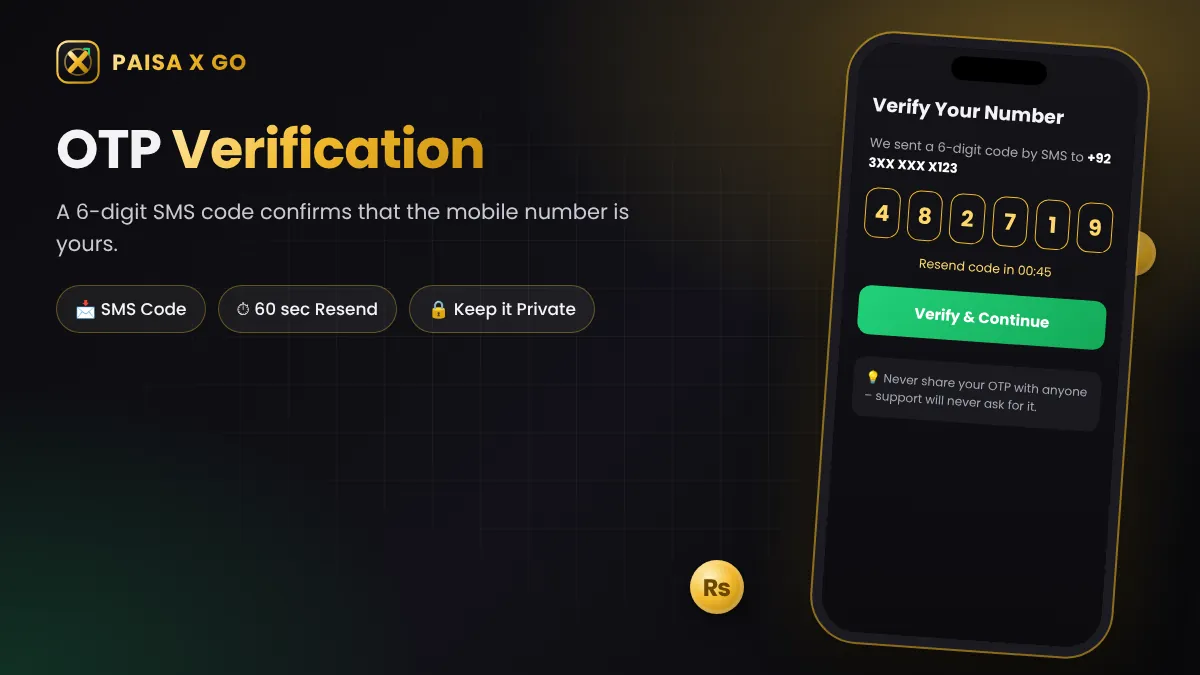
The OTP (one-time password) proves the mobile number belongs to you. It also protects your account later, because password resets and some withdrawals ask for an OTP again. That is why you should register with a number you will keep for a long time.
Never share your OTP with anyone. Real support staff will never ask for it.
OTP Not Received? Try This
- Check that you typed the number correctly.
- Make sure the SIM has signal and the SMS inbox is not full.
- Wait 60 seconds, then tap Resend.
- Turn on airplane mode for 10 seconds and turn it off again.
- Still nothing? Contact in-app live chat with your number.
After Registration – What to Do Next

- Claim your bonus: Open the Promotions tab to see the sign-up and daily check-in rewards running today.
- Make your first deposit: Add balance with EasyPaisa or JazzCash – see the Paisa X Go deposit guide.
- Bind your withdrawal account: Add an EasyPaisa, JazzCash or bank account in your own name before you withdraw.
- Try games with small bets: Learn the rules of one game before you move to another.
Paisa X Go Registration Rules
- Only players aged 18 and above can register.
- One account per mobile number and per person.
- Use your real details – withdrawals go only to accounts in your own name.
- Bonuses come with turnover rules; read them in the Promotions tab.
- Fake or duplicate accounts can be blocked without warning.
Frequently Asked Questions
Is Paisa X Go registration free?
Yes. Creating a Paisa X Go account is completely free. You only pay when you choose to deposit.
Can I register on Paisa X Go without a mobile number?
No. A working Pakistani mobile number is needed to receive the OTP and protect your account.
Can I make two Paisa X Go accounts?
No. The rules allow one account per person and number. Duplicate accounts can be blocked.
Do I get a bonus after Paisa X Go register?
New users usually get a sign-up bonus when a promotion is running. Check the Promotions tab after you register.