
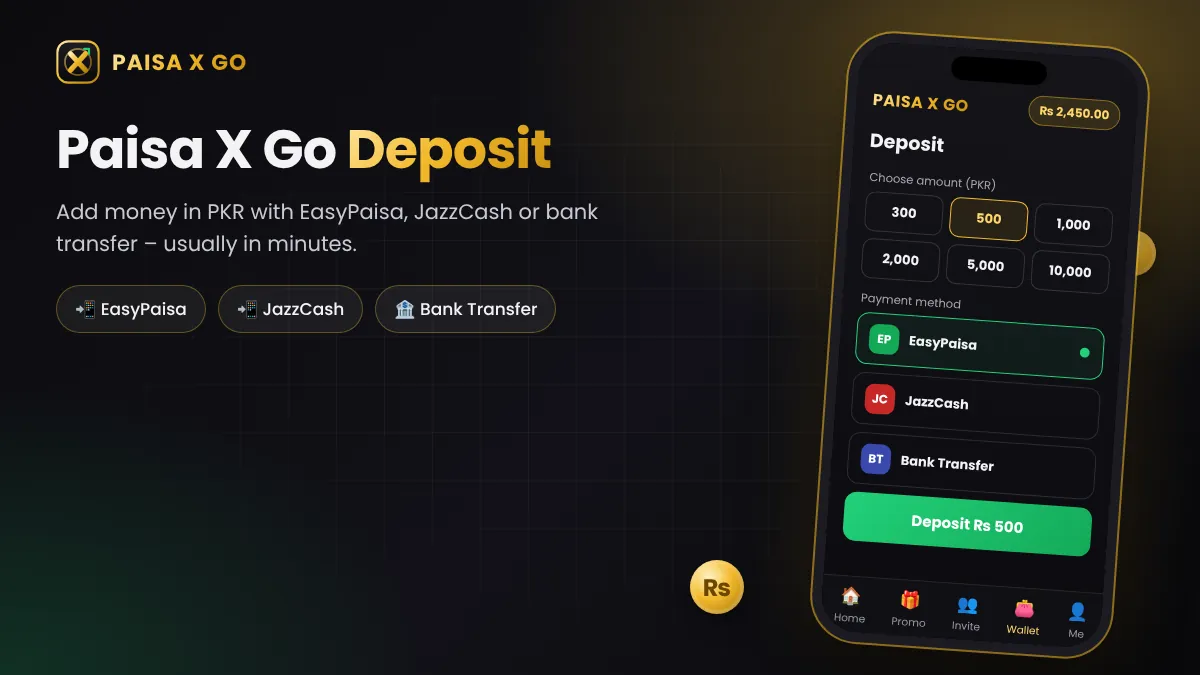
Paisa X Go deposit is quick and works in PKR. You can add money with EasyPaisa, JazzCash or bank transfer, and the balance usually appears in your wallet within minutes. This guide shows each method step by step, the first deposit bonus, and what to do if a deposit does not show.
You need an account first – see Paisa X Go register – and then log in to your wallet.
| Deposit Detail | Information |
|---|---|
| Currency | PKR (Pakistani Rupee) |
| Methods | EasyPaisa, JazzCash, Bank Transfer, USDT (where available) |
| Speed | Usually within minutes |
| Minimum / maximum | Shown on the Deposit screen in the app |
| Bonus | First deposit bonus when a promotion is running |
How to Deposit in Paisa X Go (Step by Step)
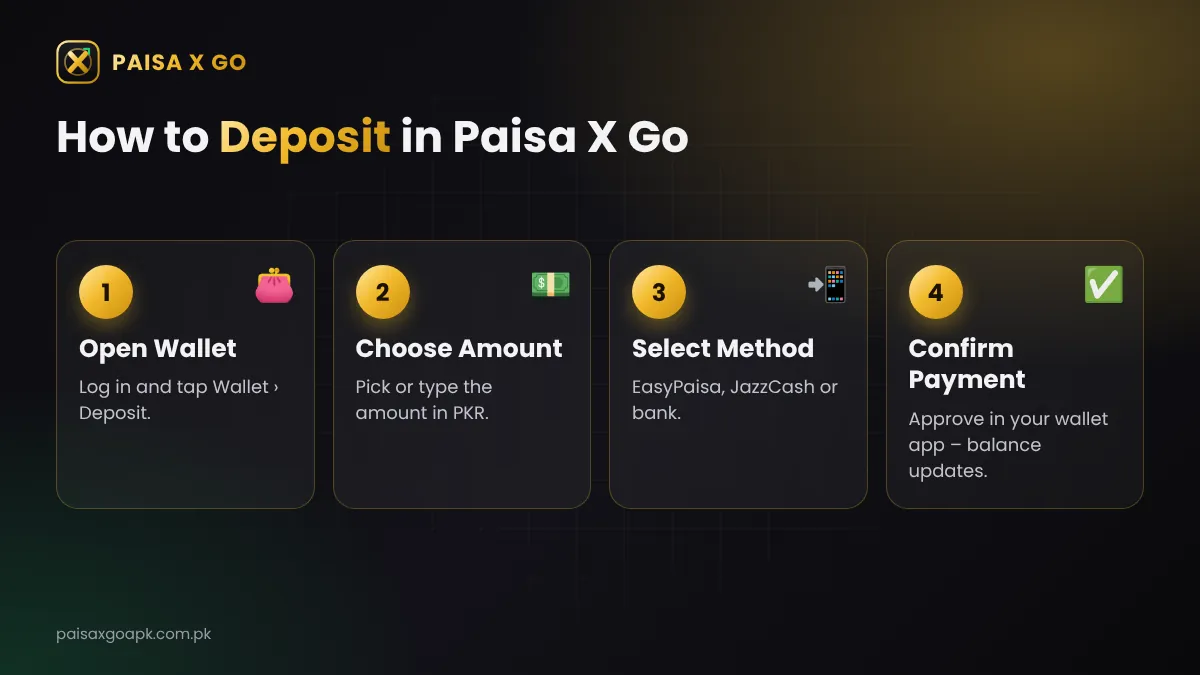
- Log in to the Paisa X Go app.
- Tap Wallet and then Deposit.
- Choose an amount or type your own amount in PKR.
- Select EasyPaisa, JazzCash or Bank Transfer.
- Follow the payment screen and approve the payment in your wallet app.
- Return to Paisa X Go – the balance is added once the payment is confirmed.
Paisa X Go Payment Methods
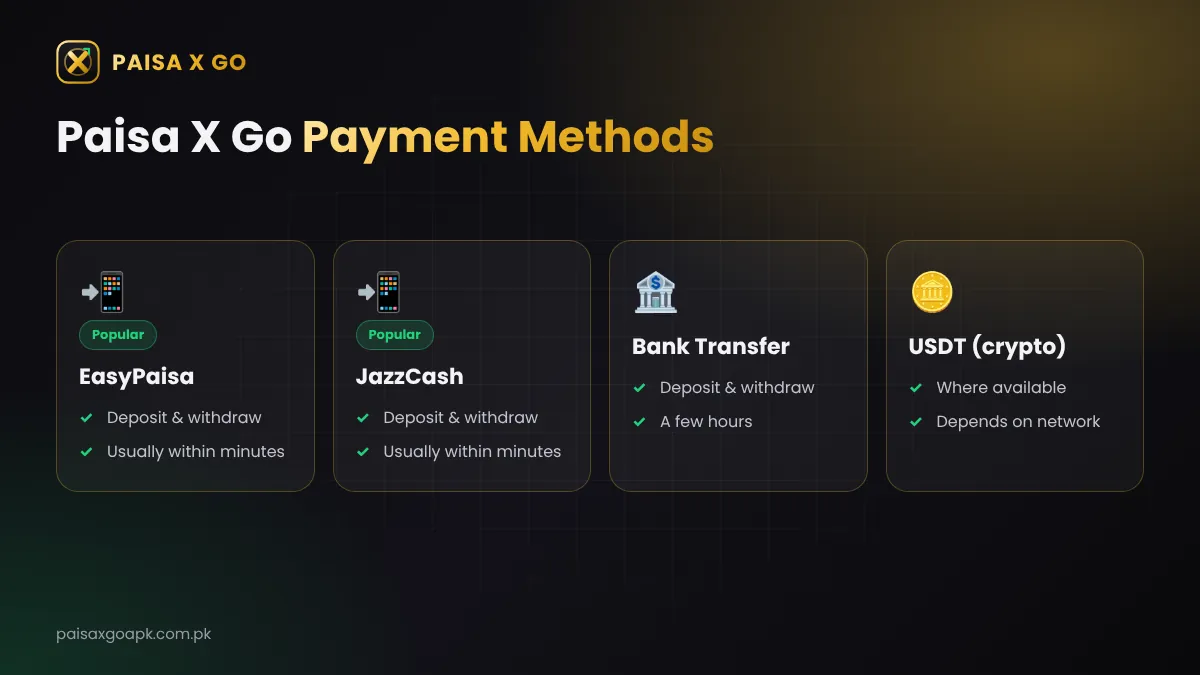
| Method | Deposit | Withdraw | Usual Speed |
|---|---|---|---|
| EasyPaisa | Yes | Yes | Within minutes |
| JazzCash | Yes | Yes | Within minutes |
| Bank Transfer | Yes | Yes | A few hours |
| USDT (crypto) | Where available | Where available | Depends on network |
Deposit with EasyPaisa
- Choose EasyPaisa on the Deposit screen and enter the amount.
- Enter your EasyPaisa mobile account number if asked.
- Approve the payment request in the EasyPaisa app or by entering your MPIN.
- Save the transaction ID (TID) from the confirmation SMS.
Deposit with JazzCash
- Choose JazzCash and enter the amount.
- Enter your JazzCash mobile account number if asked.
- Approve the payment in the JazzCash app or with your MPIN.
- Keep the TID from the JazzCash confirmation message.
Deposit with Bank Transfer
Choose Bank Transfer, copy the account details shown in the app, send the exact amount from your bank app, and upload or enter the transaction reference if the app asks for it. Bank transfers can take a few hours.
Only pay through the details shown inside the app at that moment. Never send money to an account someone shares on WhatsApp or by phone.
Paisa X Go First Deposit Bonus
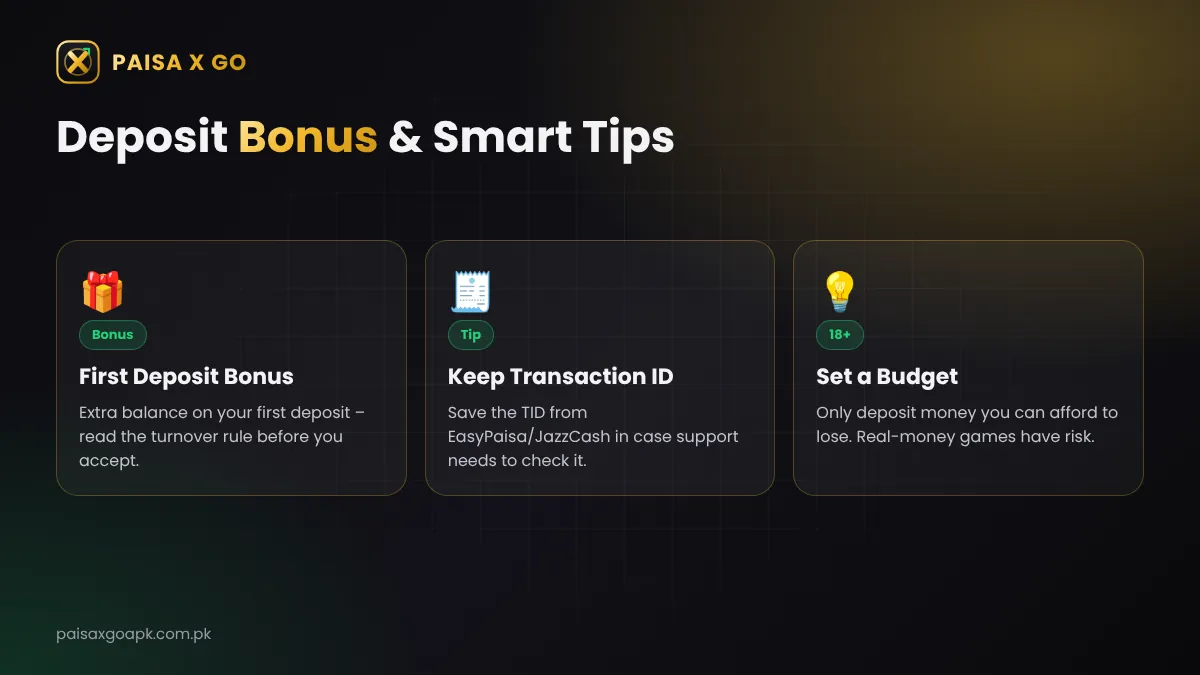
Many players get extra balance on their first Paisa X Go deposit. The amount changes with each promotion, so open the Promotions tab before you pay. Most deposit bonuses have a turnover (wagering) rule – you must play a set amount before you can withdraw the bonus money. Read the rule first and skip any bonus whose conditions you do not understand.
Deposit Not Received? Do This
| Problem | What to Do |
|---|---|
| Money cut but balance not added | Wait 10–15 minutes, then refresh the wallet. |
| Still not added after 30 minutes | Contact live chat with the amount, time and TID. |
| Payment failed | Check your wallet balance and daily limit, then try again. |
| Wrong amount sent | Tell support with the TID; do not send a second payment. |
Smart Deposit Tips
- Set a monthly budget and deposit only money you can afford to lose.
- Use a wallet in your own name – it makes withdrawals easier.
- Keep every TID until the balance is added.
- Start with a small first deposit to test the method.
- When you win, learn how to withdraw from Paisa X Go.
Frequently Asked Questions
How can I deposit money in Paisa X Go?
Log in, open Wallet > Deposit, choose EasyPaisa, JazzCash or bank transfer, enter the amount and approve the payment.
What is the minimum deposit in Paisa X Go?
The minimum and maximum deposit limits are shown on the Deposit screen in the app and can change with offers.
How long does a Paisa X Go deposit take?
EasyPaisa and JazzCash deposits usually show within minutes. Bank transfers can take a few hours.
Is there a bonus on the first deposit?
Often yes. Check the Promotions tab before paying and read the turnover rule of the bonus.